

| Procedure for Manually Configuring Novell Small Business Suite 5.0 for Internet Access 6.0 Configuring NIAS A useful TID to refer to is 10010836 about configuring the MPR and NIAS. 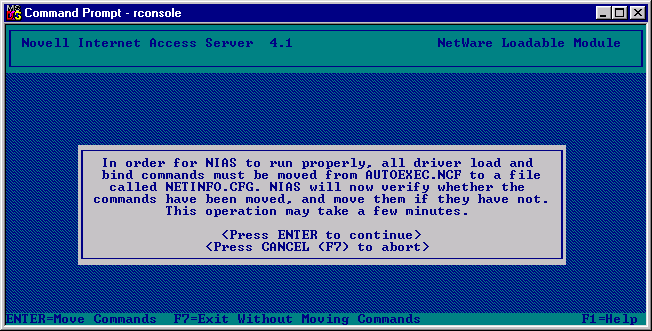
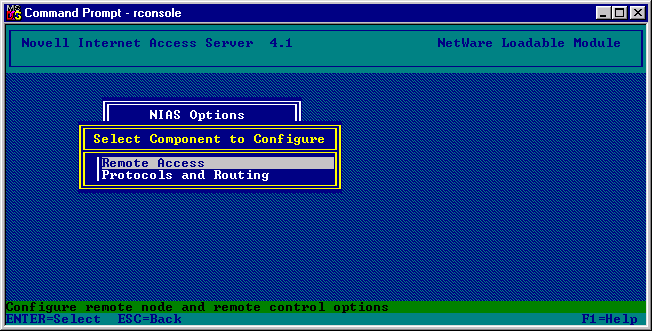
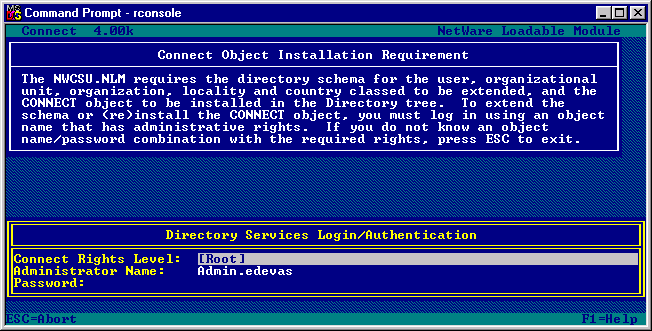
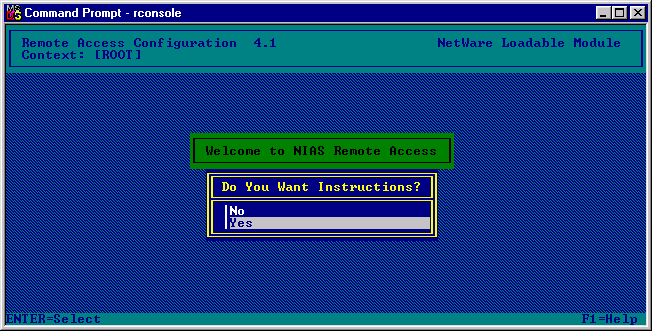
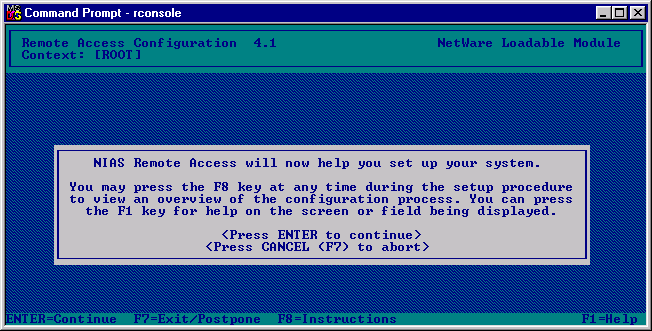
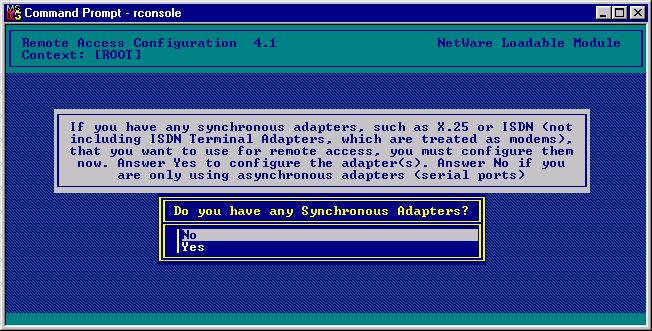
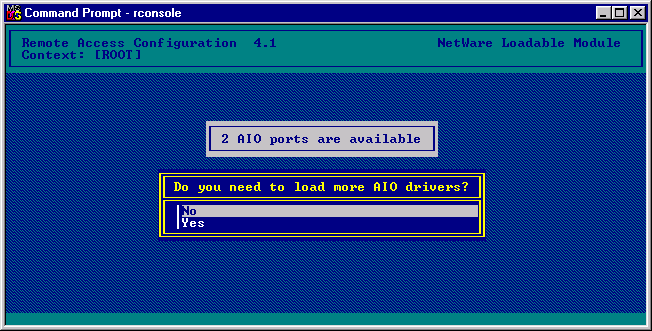
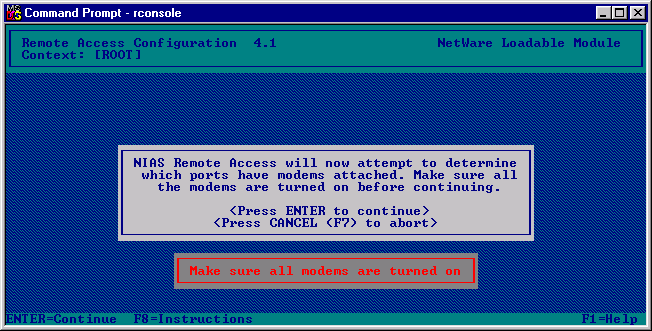 This will now allow you to access the internet. Complete and save the settings, come out of the application and reboot the server to enable any of the protocol and application changes. To test the internet access. After the server has been rebooted go to the command console and load the ping application. LOAD PING This application allows the server to test routing communication and the initiation of the call out to the internet by the server. Enter an IP address of a server you know to test the communication. The Dial Pipex DNS server 158.43.240.3 It may fail for approximately 25 times for it to initiate the call, but if the modem's speaker can be heard you will here it connecting. Note: You may now use your server as a gateway onto the internet. (By setting the TCP/IP Gateway setting on the workstations to the LAN side TCP/IP address of the server.) |
|||
| Next Document |
|||
© 2000 Edeva Solutions Ltd
Last revised: 17th May 2000