

| Procedure for Manually Configuring Novell Small Business Suite 5.0 for Internet Access 2.0 Installing the server. This section outlines how to install a fresh server so that it can simulate the issues that we are attempting to overcome. You know you have the problem if you get the following error: 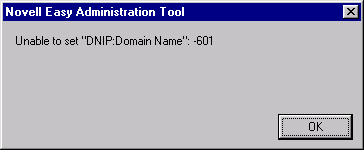 Install the Novell SBS 5.0 server without accepting any of the settings. These following tasks occur on the server after the initial installation has occurred and the graphical installation program has started:- Choose Custom Installation Name Server: (In our example: RALEIGH) Protocols: Select IPX only (Select both Frame types or only the one that you require if your network only utilizes it.) Tree Name: (In our example: PENFOLD) Context: (In our example: EDEVAS) Admin: cn=admin.o=edevas (or .admin.edevas) Password: ******* Do not accept any of the optional installation products. Complete the installation and restart the server. Create a workstation 98 or NT. Install the Novell client. Log into the new network as administrator (.admin.edevas) You will now be presented with the Novell Easy Administration Tool automatically. This will only occur if you log into the network as administrator. If this is a new installation then the only user to exist at present is administrator. 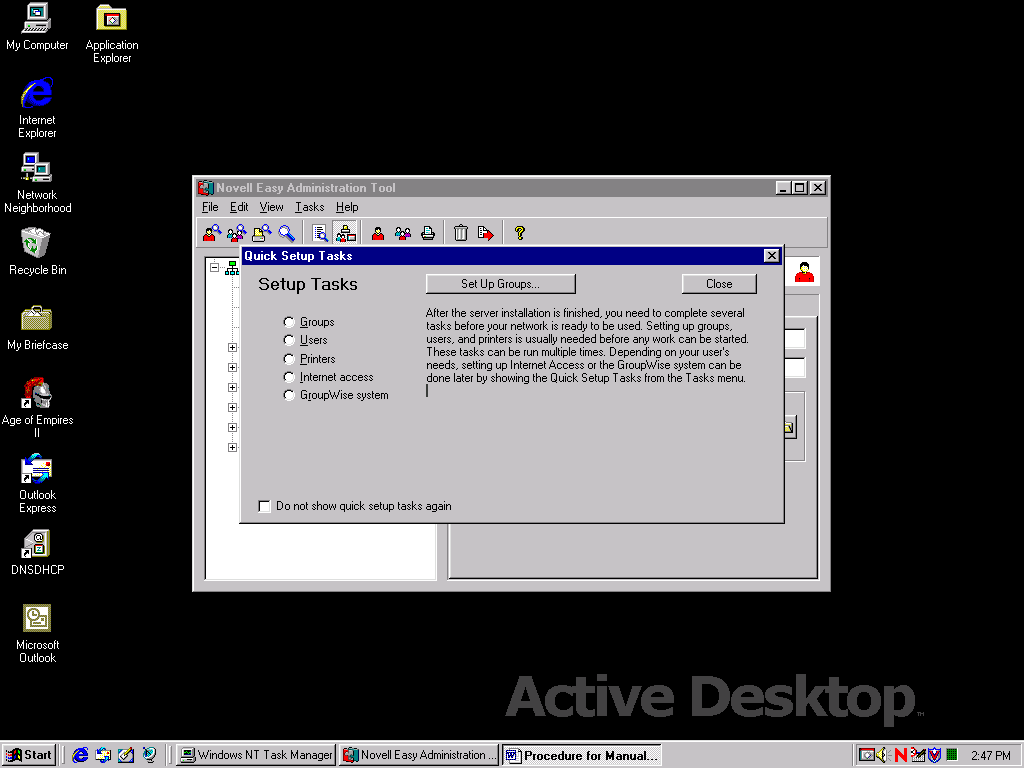 Figure1 Novell Easy Administration Tool Verify that you have the problem that we require, to ensure that the manual configuration is successful. Run the NEAT application. Run the Internet Access Wizard. Fill in all the required information. On the final action to implement the settings that you need then you will receive the following error: 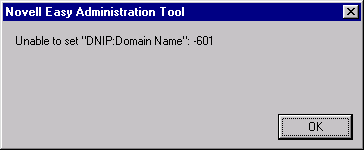 |
|||
Next Document |
|||
© 2000 Edeva Solutions Ltd
Last revised: 17th May 2000